


SHOPIFY APP ACCELERATOR

Launch a mobile app from the Shopify store you already run.

Keep Shopify at the centre of products, customers and checkout. Add a branded iOS and Android app designed around the store your customers already use.

Book a walkthrough
  • Shopify and Shopify Plus
  • No duplicate catalogue or checkout
  • About two weeks to store submission

Free preview generated from your public store. No signup required.

See your store as an app

Paste your public store URL. The preview is free and needs no signup.

https://

or book a walkthrough →About two weeks to store submission · €4,800 one-time setup
FreeNo form, no waitUnder 60 seconds
Try:

Built by scandiweb, the ecommerce team behind stores for global brands.

PUMA JYSK Läderach The New York Times The Met Moose Knuckles

Ecommerce delivery experience behind the accelerator

The operational challenge

Your app should feel like your brand, not another template.

Many Shopify app builders provide speed by placing every merchant inside the same design system. Appification starts from the storefront and customer journeys you already operate.

Build a separate custom app

More control, but more to operate.

  • A second codebase
  • A separate product roadmap
  • Longer implementation
  • Ongoing development work

Use a template app builder

Faster setup, but less flexibility.

  • Standardised layouts
  • Separate app configuration
  • Recurring platform fees
  • Store customisations may not transfer cleanly

Add the app channel to the store you already run.

Your ecommerce platform continues to manage products, prices, customers, checkout and orders. Appification adds the mobile experience, app controls and store distribution.

See how it works

How Appification works

Keep Shopify at the centre.

Shopify continues to manage the core commerce experience. Appification adds the app controls, customer engagement tools and store distribution.

Shopify logo
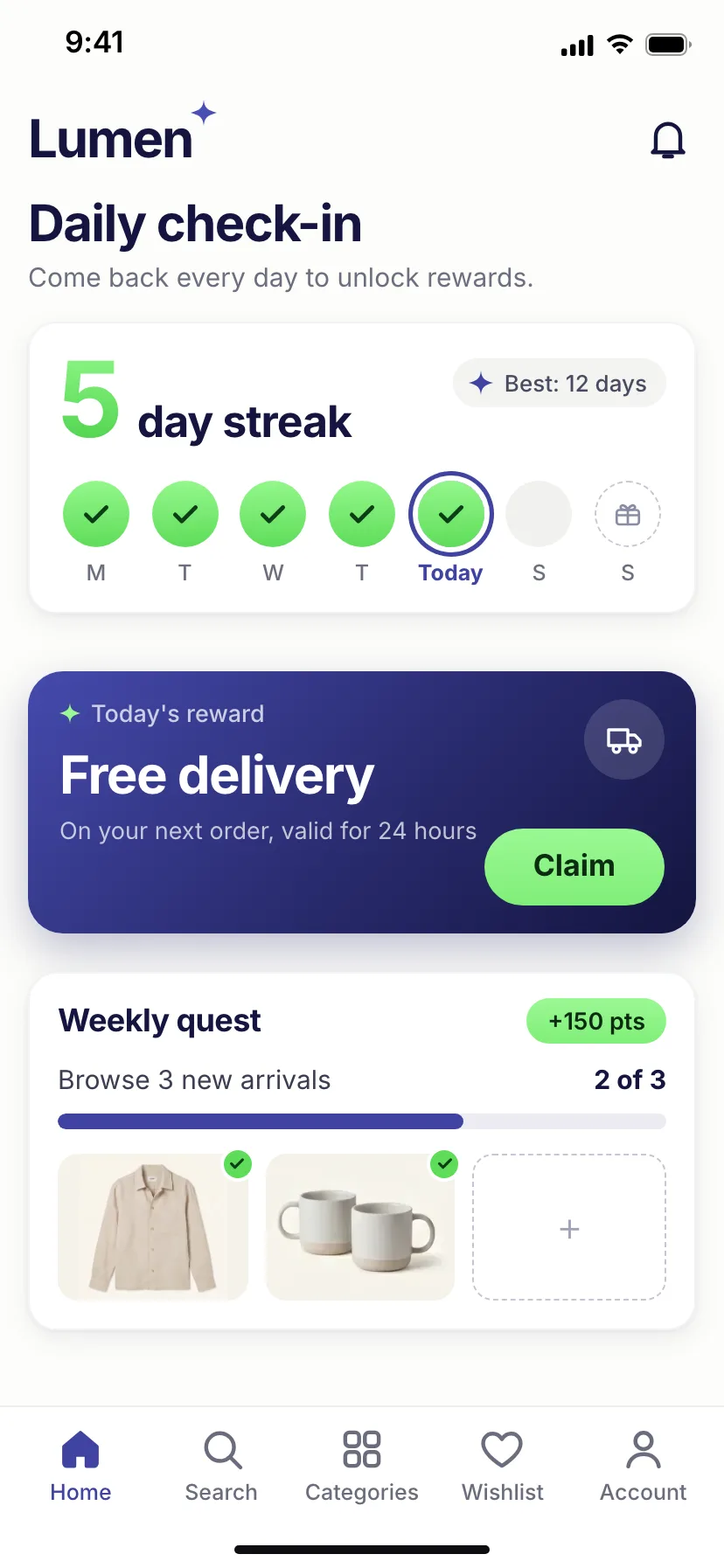
Lumen app home screen showing the store catalogue in the app

One source of truth

Your store and app stay connected.

Products, prices, customer accounts, cart, checkout and orders continue to run through your existing store. Changes are reflected in the app without managing a duplicate catalogue.

  • One catalogue
  • One checkout
  • One customer account
  • One order history
Lumen app branded home screen
Lumen app branded product detail screen

Your brand

The app feels designed for your store.

We adapt the navigation, app icon, launch screens, colours and key mobile interactions to the brand your customers already recognise.

  • Branded app icon and launch screens
  • Adapted navigation
  • Mobile app controls
  • iOS and Android experience
Lumen app store listing screen with app name, rating and screenshots

Delivery

We prepare the app for both stores.

Our team prepares the builds, testing versions, store listings and submission materials for Apple App Store and Google Play.

  • iOS and Android builds
  • Testing on real devices
  • Store listing assets
  • Submission support

Apple and Google approval timing is outside the build schedule.

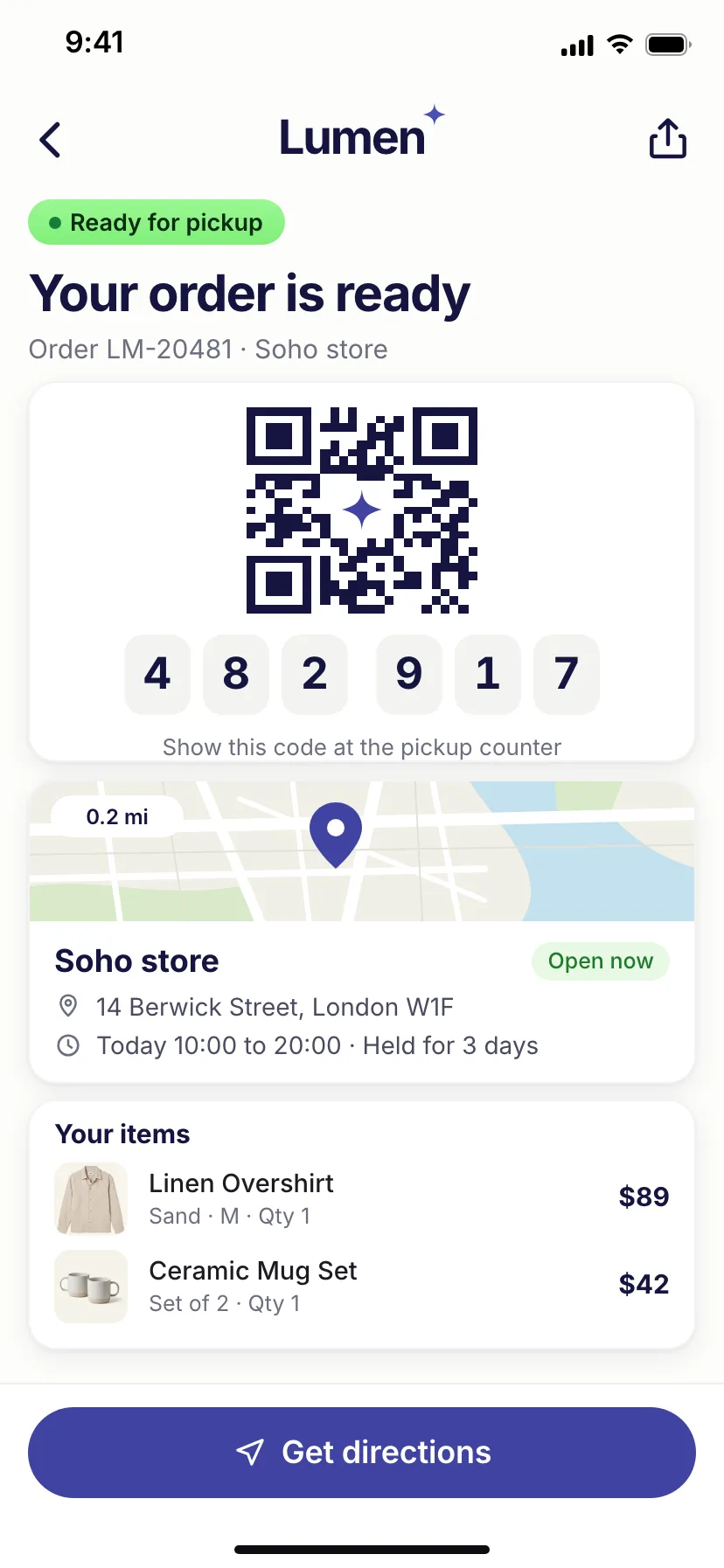
Lumen app lock-screen push notification opened from a campaign

Merchant control

Your team runs the customer channel.

Create push campaigns, connect messages to products and offers, and review engagement without maintaining a second ecommerce operation.

  • Push campaigns
  • Deep links
  • Campaign reporting
  • Engagement analytics

Customer retention

Reach known customers without buying their attention again.

Push notifications, deep links and app-only experiences create a direct route back to products, offers and carts.

Lumen app lock-screen push notification screen

Add more when there is a clear reason.

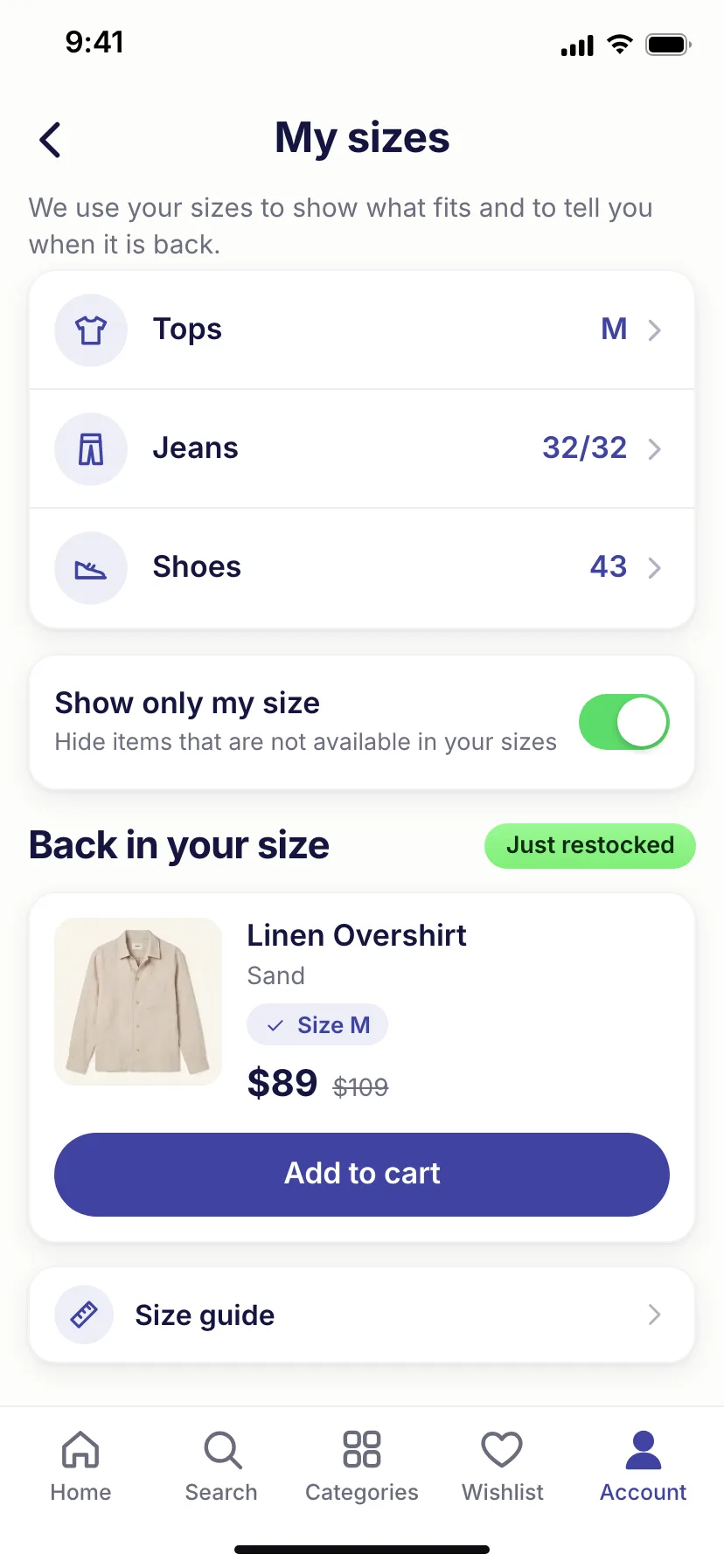
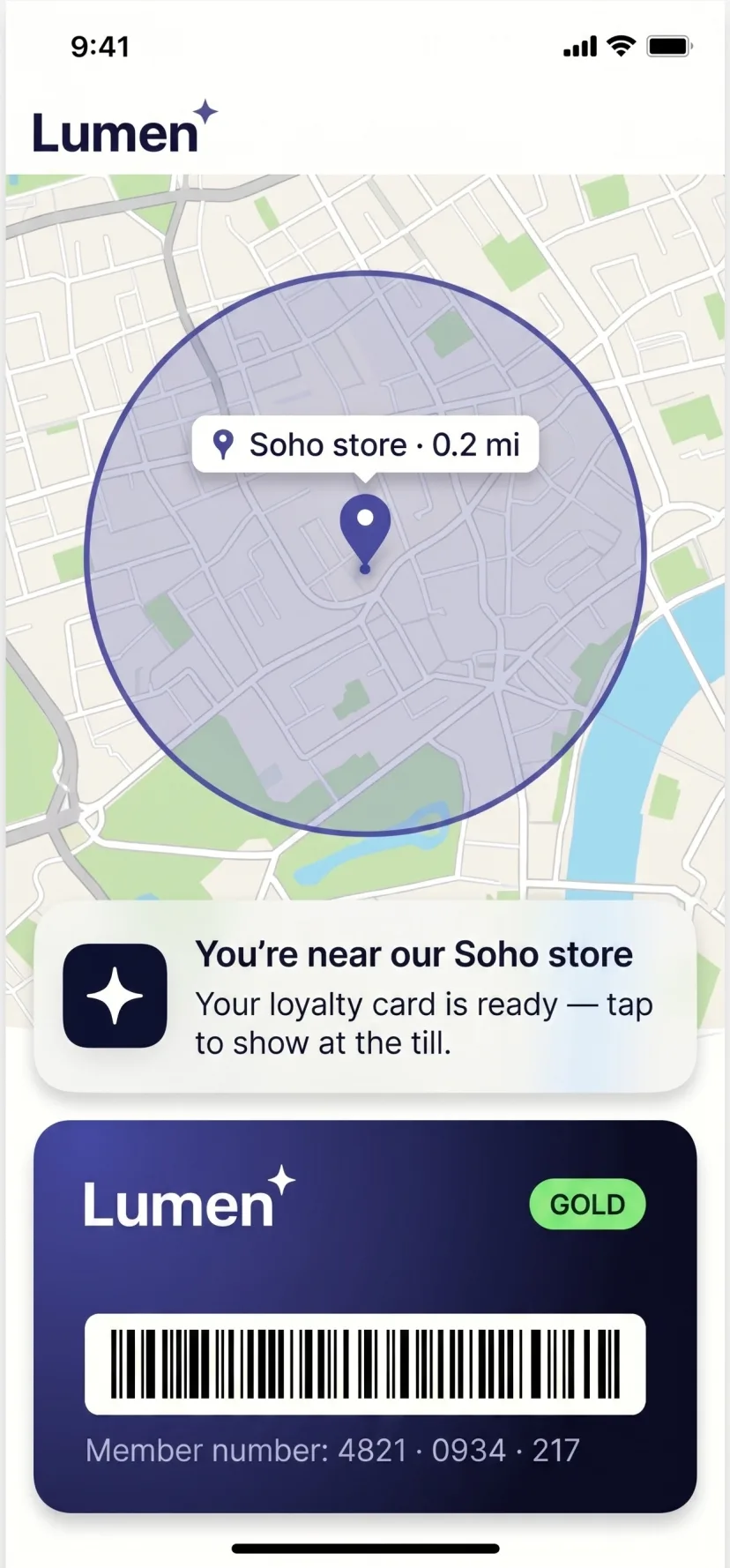
  • Location-based triggers
  • Biometric access
  • Back-in-stock alerts
  • Reorder reminders
  • Visual search
  • AI shopping assistance
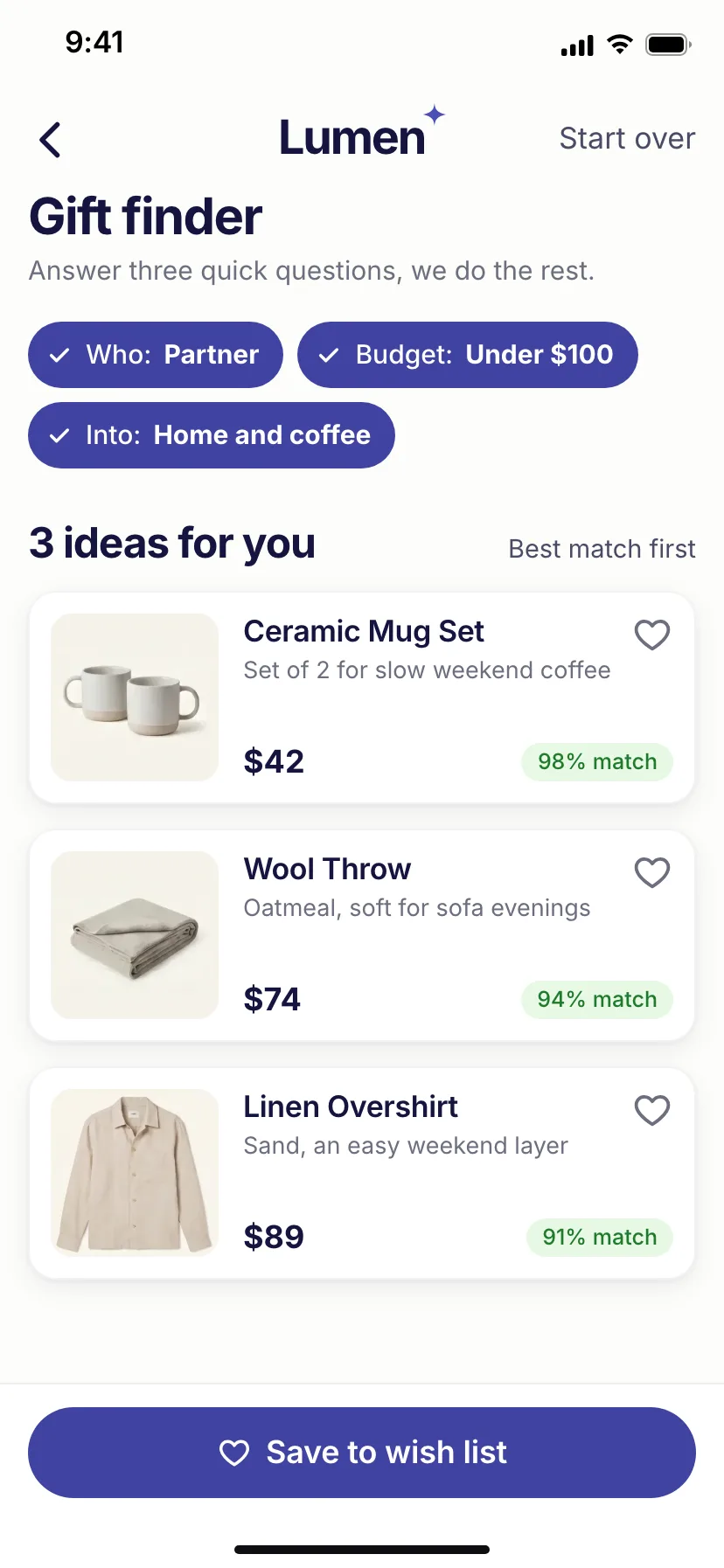
  • Personalised discovery

Around 80% of visits happen on mobile

Mobile conversion is roughly half of desktop

Directional benchmarks. Sources: Salesforce Shopping Index, Adobe Digital Economy Index, WebKit Tracking Prevention.

Scope

What launches
first.

A fixed-scope launch package, no ambiguity, no creep. Phase 2 work is scoped separately, based on real user behaviour from the launched app.

1 Stays as it is

  • Catalogue and prices
  • Customer accounts
  • Cart and checkout
  • Orders and reorder

2 We build

  • iOS and Android apps
  • Native main menu
  • Sticky add to cart
  • Push notifications
  • Store listing and submission

3 You control

  • Colours and menu
  • Push campaigns
  • Deep links
  • Engagement analytics

Your Shopify store stays the source of truth. We build the channel. You run it. Ongoing maintenance is under your existing scandiweb support.

Live distribution

Your brand, sitting in
the App Store.

We build and submit in about two weeks. Once Apple and Google approve, customers searching your category find you listed right alongside the names they already know, on the App Store and Google Play.

  • Submission and review, managed by us

    We manage developer accounts, review round-trips and store compliance end to end. Approval timing belongs to Apple and Google.

  • Listing copy written to be found

    Title, subtitle, keywords and description written to rank for your category.

  • Featured-ready assets

    Store screenshots and a preview video built to your brand, ready for editorial features.

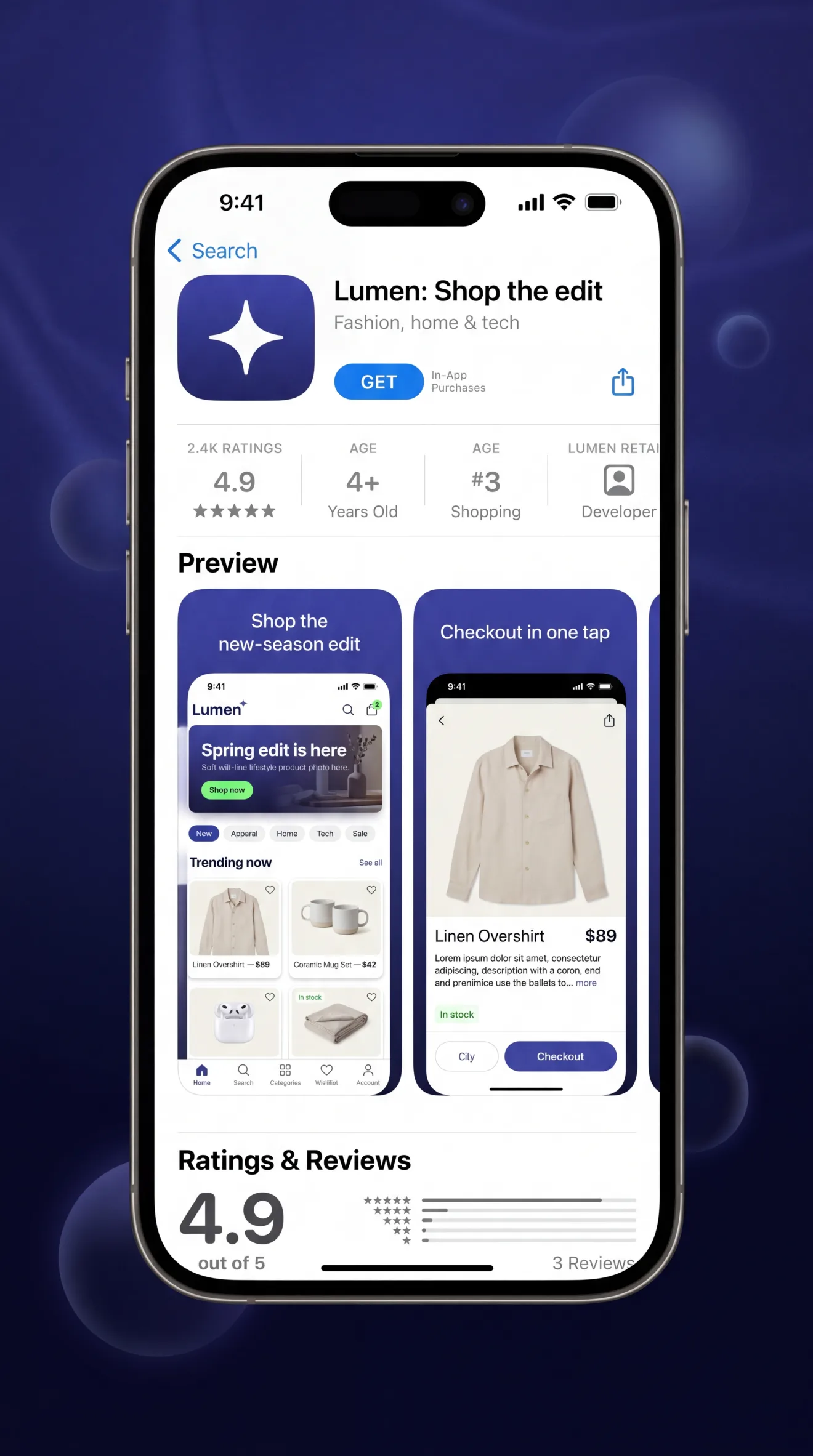
The Lumen app's Apple App Store product page on an iPhone, app icon, ‘Lumen: Shop the edit’ title, GET button, 4.9-star rating and preview screenshots

Inside the app

What your customers
actually open.

The same storefront, reimagined for the home screen: branded, fast and easy to use with one hand. This is the core of the experience we ship in the first two weeks.

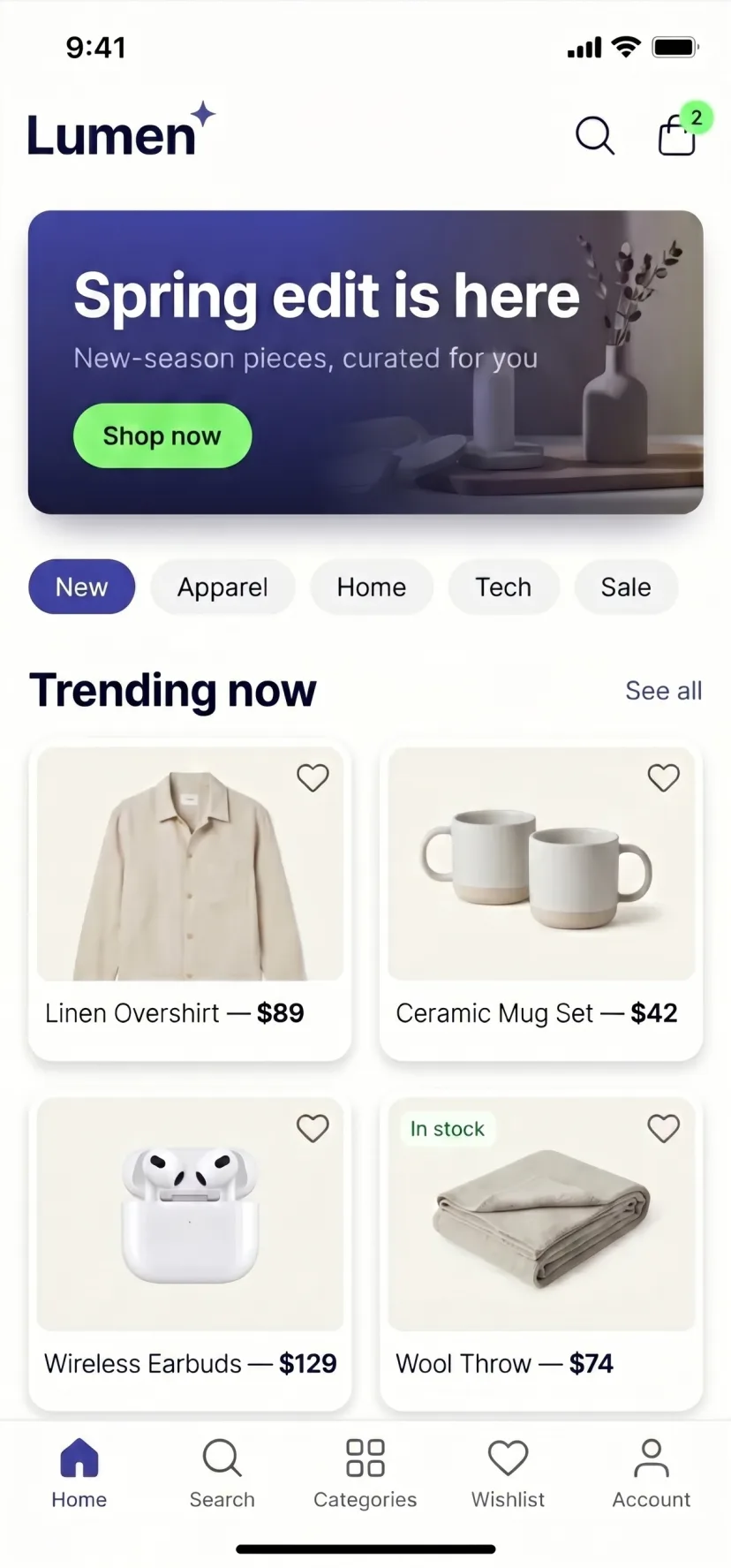
  • Lumen app home screen: branded hero banner, category chips and a trending-products grid
    Branded storefront
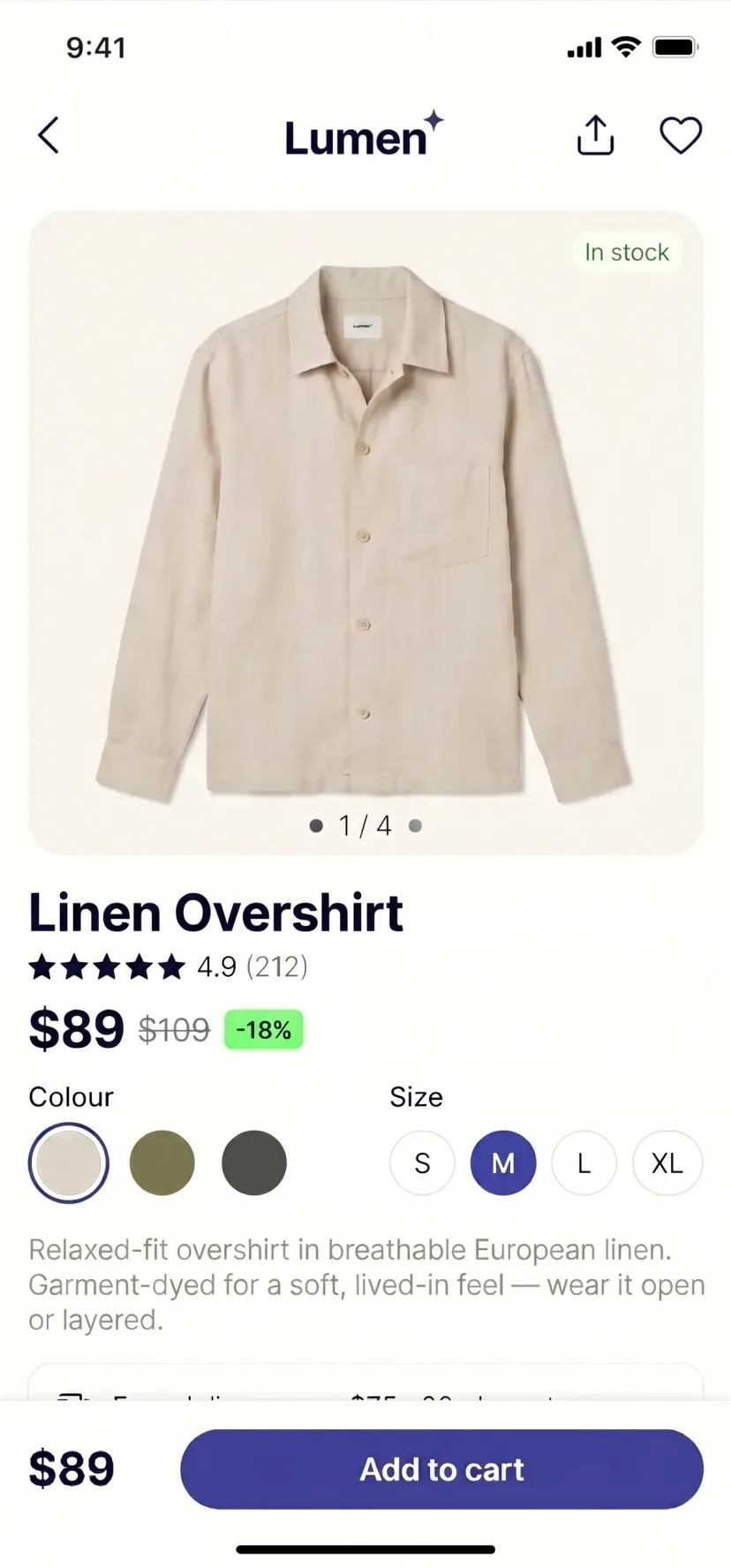
  • Lumen app product detail page: large product photo, price, colour and size selectors and an Add to cart bar
    Product pages
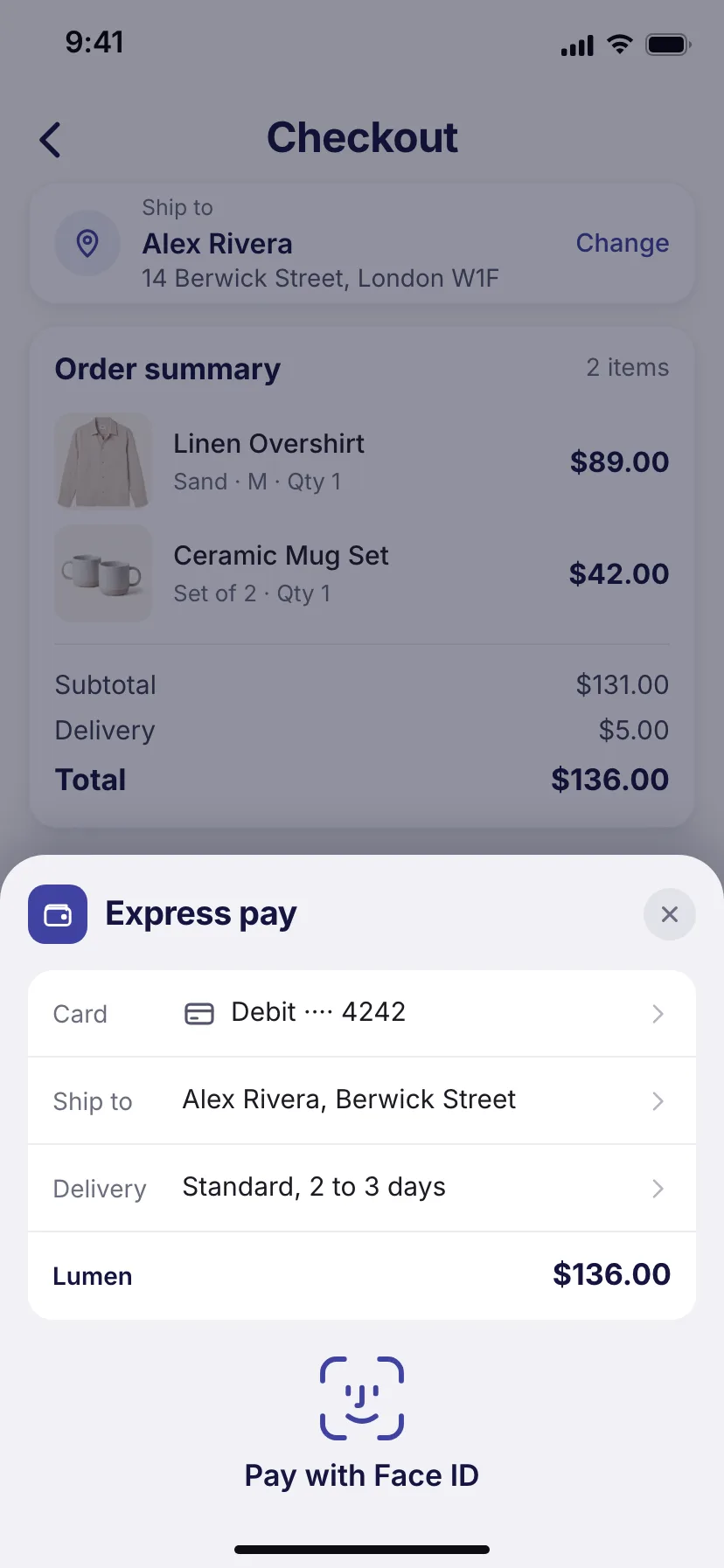
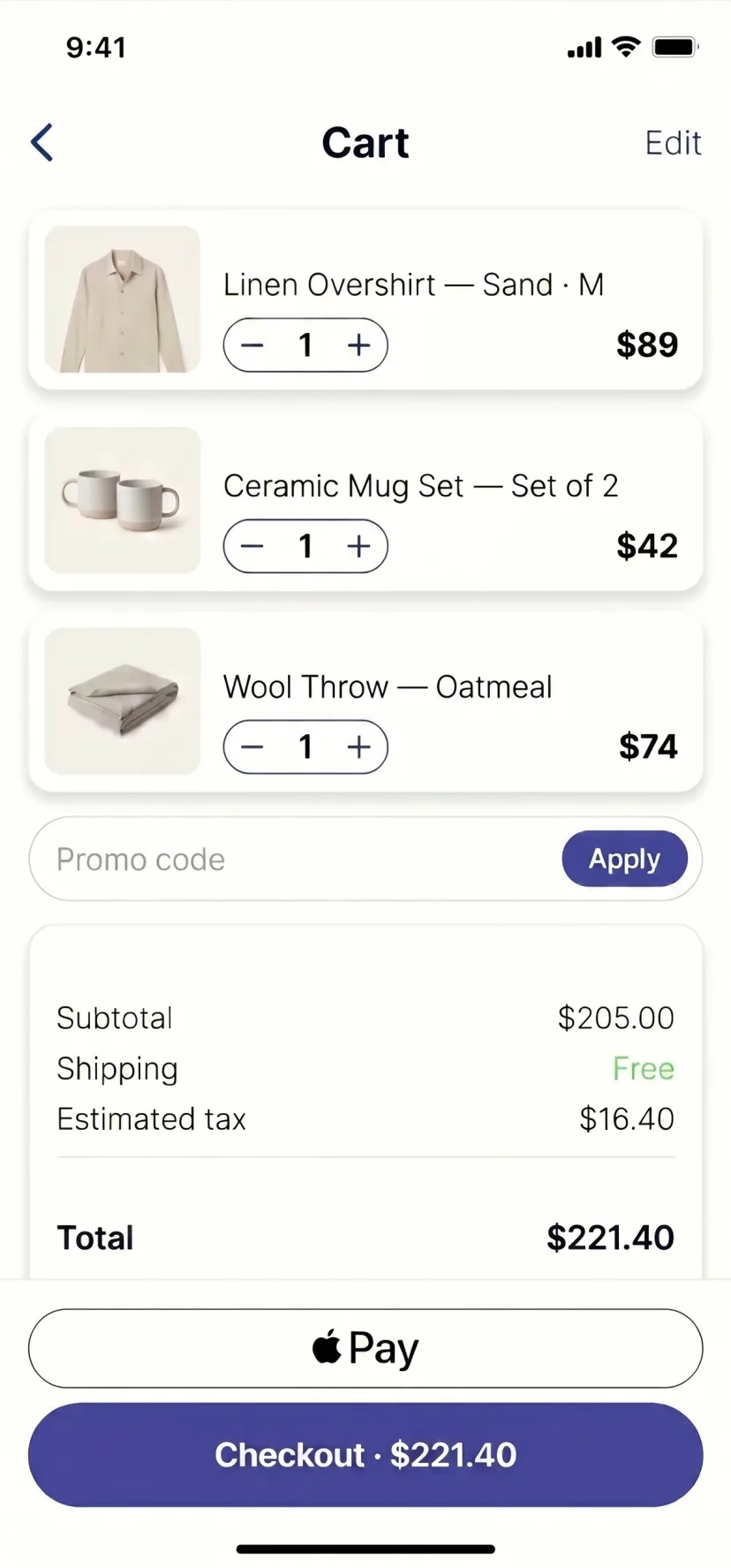
  • Lumen app cart: line items with quantity steppers, an order summary, Apple Pay and a checkout button
    Cart & checkout
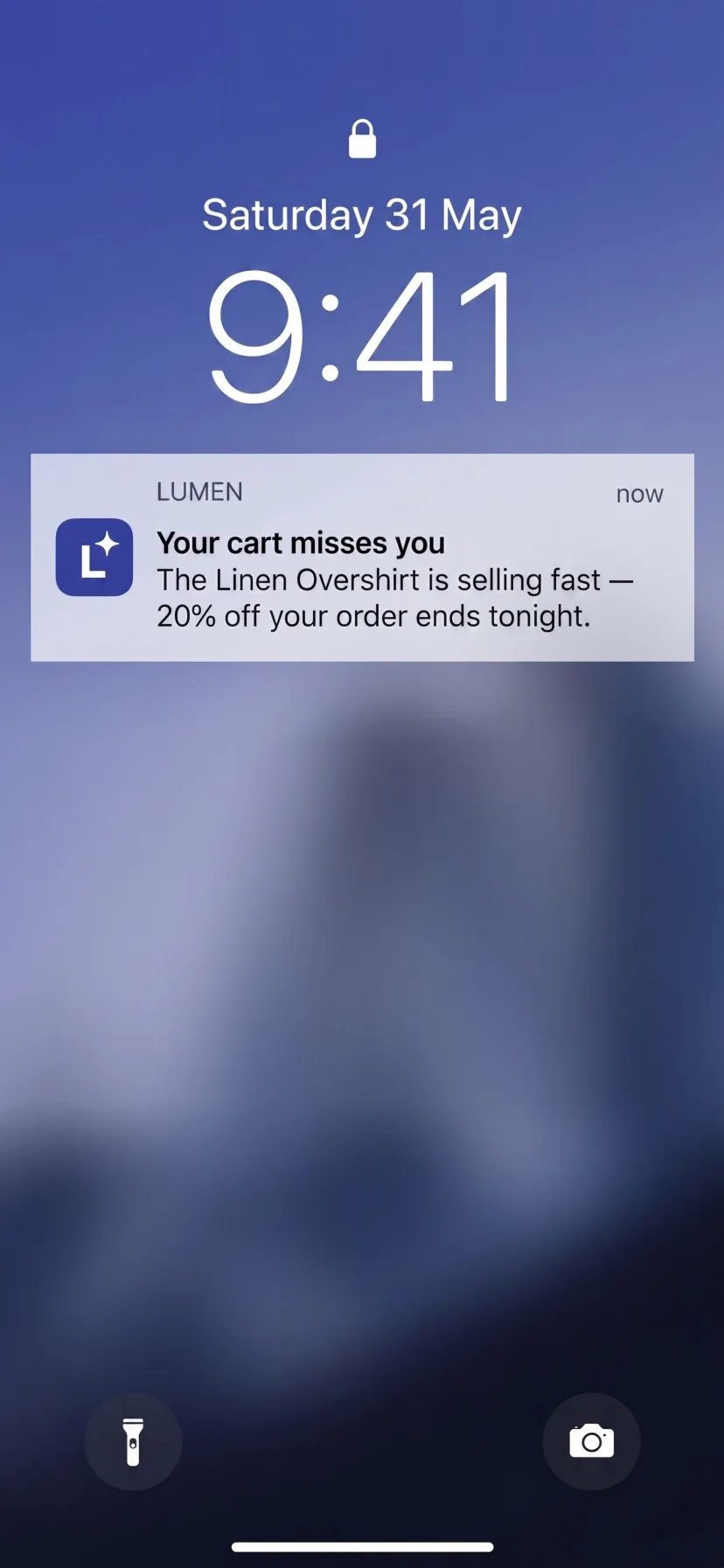
  • Lumen app lock-screen push notification reminding the shopper about an item still in their cart
    Re-engagement push
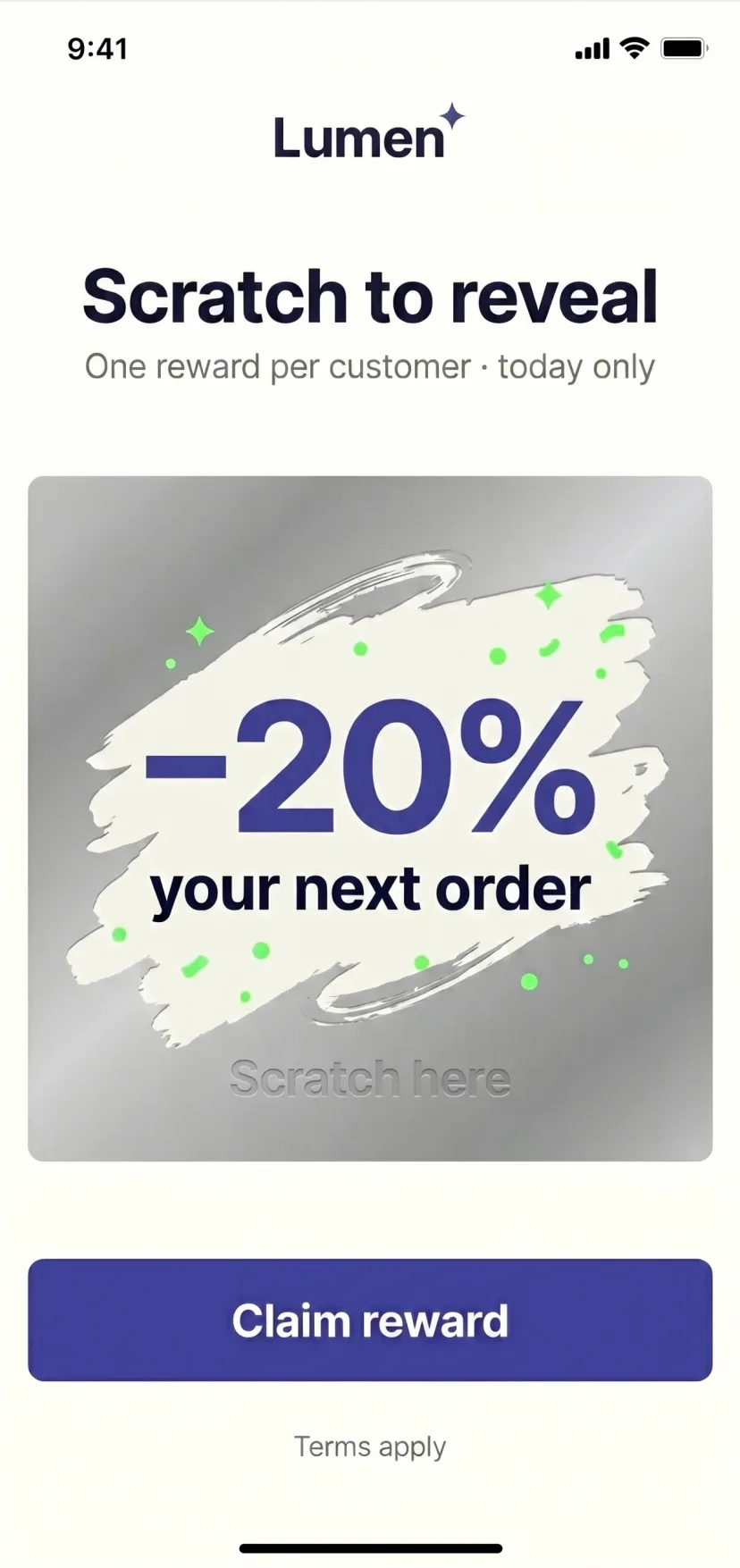
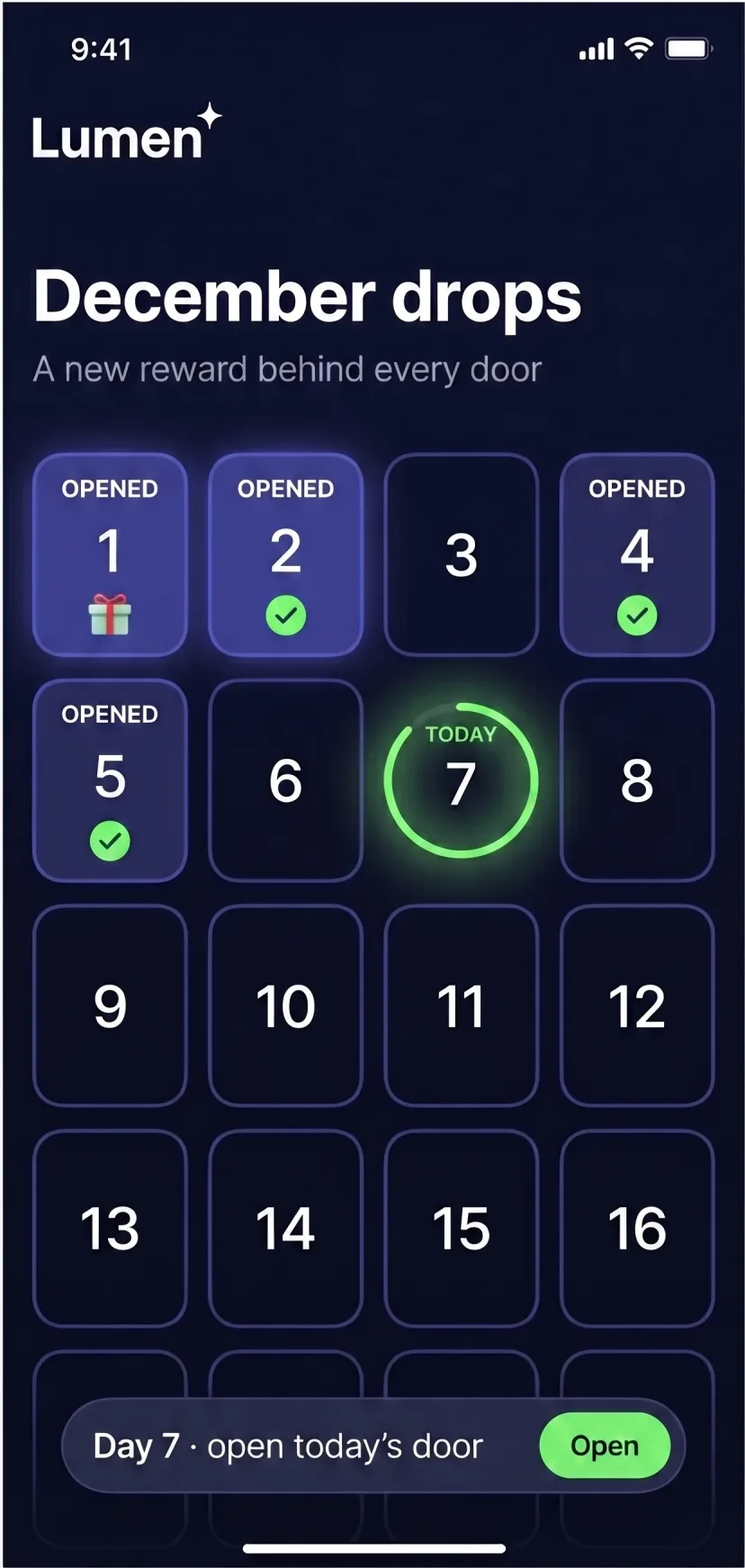
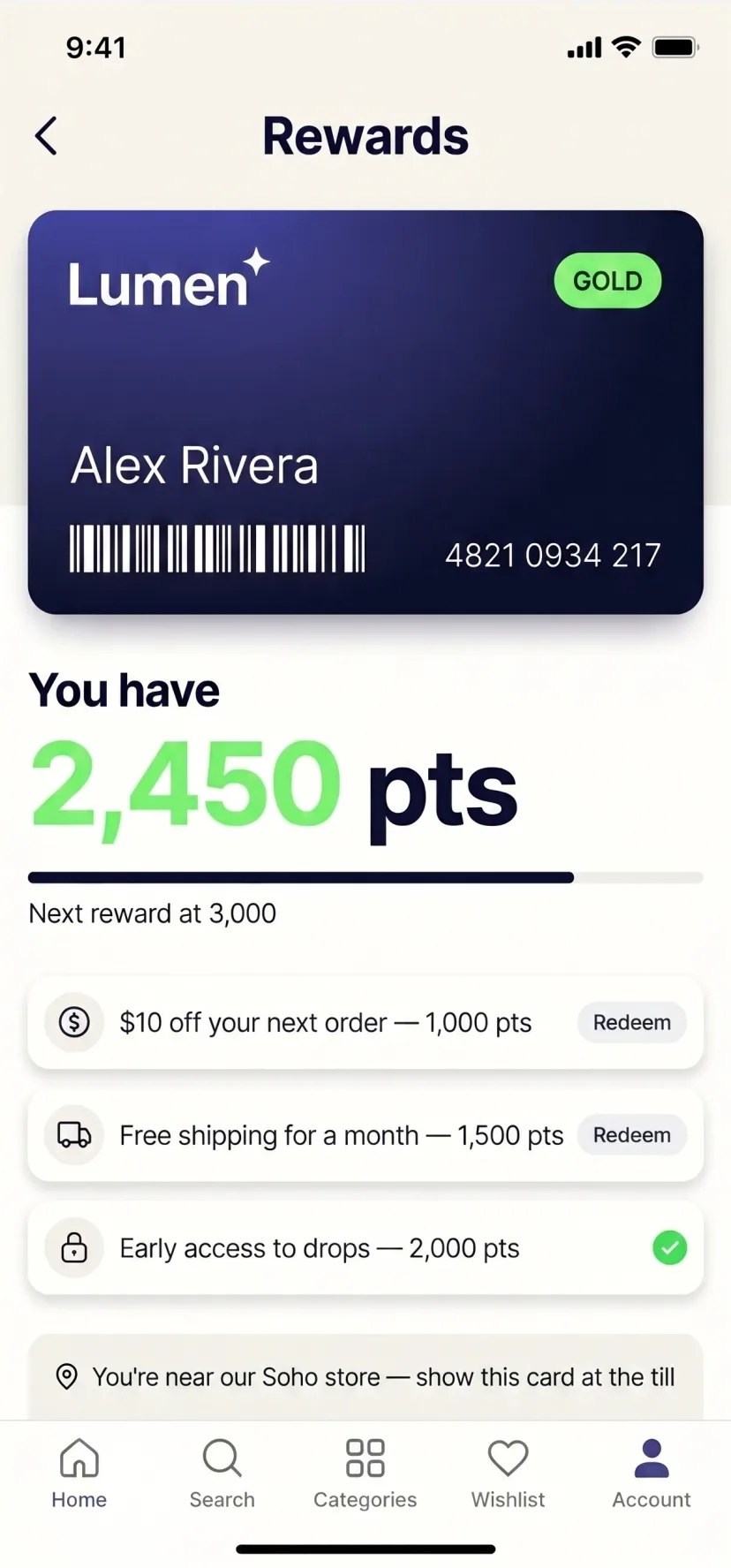
  • Lumen app rewards screen: a GOLD membership card with barcode, a points balance and redeemable rewards
    Loyalty & rewards

Delivery

About two weeks from approval
to store submission.

We manage configuration, testing, listing preparation and submission. Apple and Google review on their own schedules.

  1. 1

    Define the launch version

    Agree what the first release includes and confirm who will approve it.

  2. 2

    Connect the store

    Connect the accelerator and verify the main catalogue, account, cart, checkout and order journeys.

  3. 3

    Adapt the app experience

    Apply the brand, navigation and mobile app controls.

  4. 4

    Review on real devices

    Test the iOS and Android builds and complete the final changes.

  5. 5

    Submit to Apple and Google

    Complete the store listings and submit both applications for review.

When the app is ready, we help customers find it.

Prepare the website banner, app store badges, footer links and launch communication needed to introduce the app to existing customers.

Run with the scandiweb team already on your account.

Ownership

Your app, your accounts and your customer relationship.

Your developer accounts

The apps are published through your Apple and Google developer accounts.

Your listings and reviews

The app listings, ratings, reviews and install base belong to your business.

Your customer channel

Your team controls push campaigns, deep links and customer engagement.

Your store remains central

The ecommerce platform you already operate continues to manage the core commerce journeys.

Ongoing maintenance is handled through your existing scandiweb support arrangement or agreed separately.

Pricing

One launch setup.
Flexible support after launch.

Start with a defined launch scope. Add further modules when there is a clear commercial or customer reason.

App Accelerator launch

€4,800 One-time accelerator setup
  • Brand adaptation
  • iOS and Android apps
  • Connection to the existing ecommerce store
  • Catalogue, account, cart, checkout and order journeys
  • Push campaigns, deep links and reporting
  • Store listing preparation
  • Submission support
  • Launch activation materials
Book a walkthrough

What happens after launch

Ongoing maintenance is handled through your existing scandiweb support arrangement or agreed separately.

Loyalty, gamification, AI services, custom native screens and other additions are scoped separately.

700+ brands built by the scandi group
2 weeks from approval to store submission

FAQ

Your questions,
answered.

More questions? Book a walkthrough.

Does Appification work with Magento and Shopify?
Yes. Appification has separate accelerator versions for Magento and Adobe Commerce, and for Shopify and Shopify Plus. Each version is adapted to the platform's store, customer and checkout journeys.
What remains in our existing ecommerce platform?
Your products, prices, customer accounts, cart, checkout and orders remain in the ecommerce platform you already operate. The app adds the mobile experience and customer channel.
What access will you need?
We need appropriate access to connect and test the ecommerce journeys included in the launch scope. We also need invitations to your Apple and Google developer accounts before store submission.
Who owns the app?
The apps are published through your developer accounts. Your listings, ratings, reviews and install base belong to your business.
Does the two-week timeline include store approval?
No. The two-week delivery target covers preparation for store submission. Apple and Google review applications on their own schedules.
What happens after launch?
Your team can run push campaigns, deep links and engagement reporting. Maintenance can continue through your scandiweb support arrangement or through a separately agreed service.

See your store as an app
before you decide.

Generate a free preview from your public store or book a walkthrough to review the launch scope.

Book a walkthrough

No signup required for the preview.

Example store home screen shown as a mobile app
PUMA University of Michigan Moose Knuckles Boy Scouts of America The Met JYSK Läderach The New York Times